01
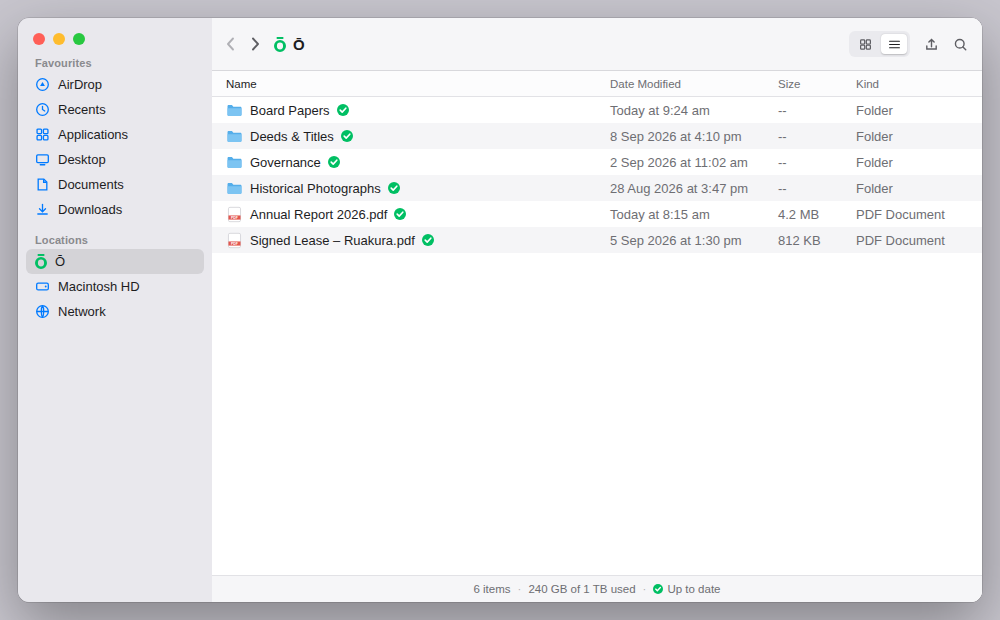
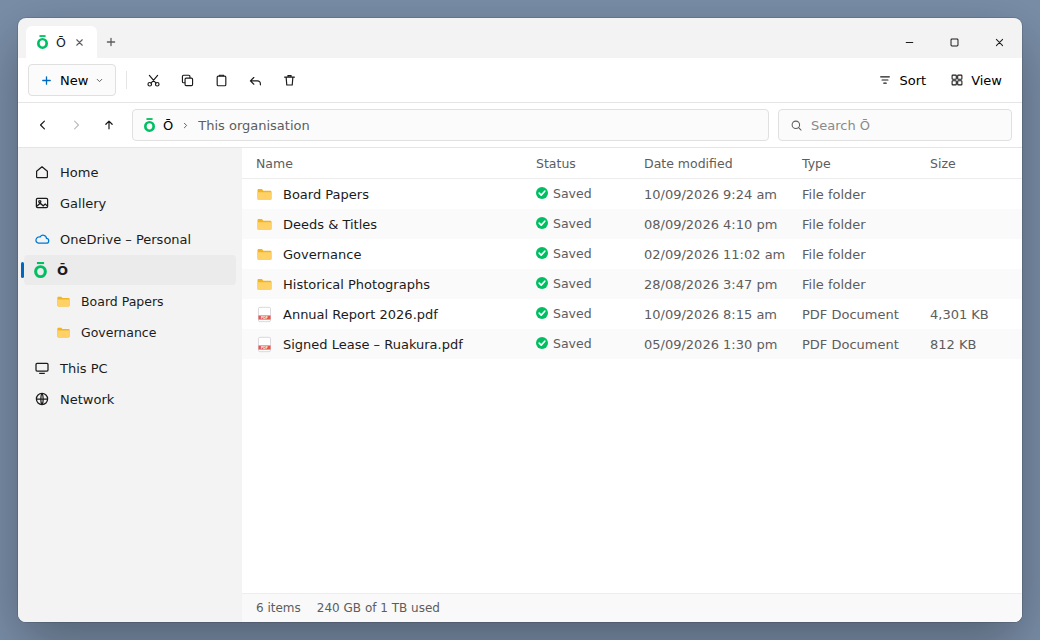
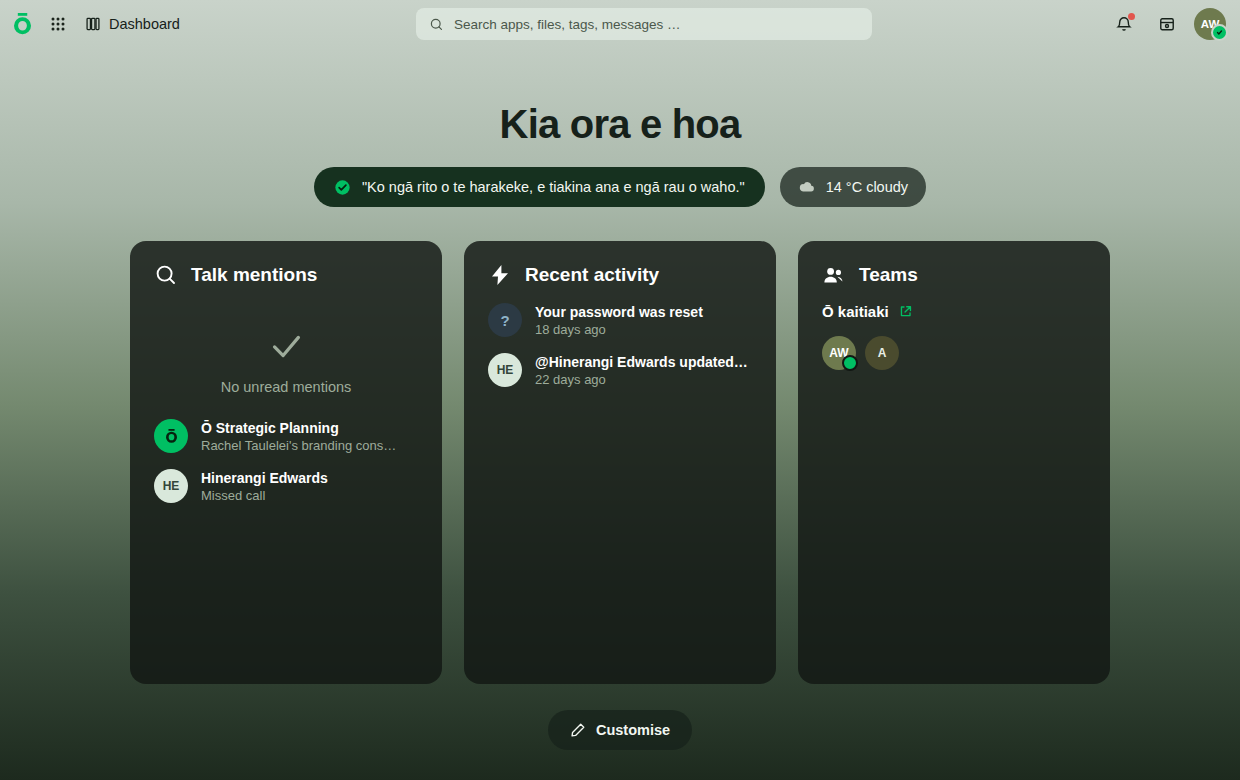
It is a folder on your computer.
Set up once, on the day it is installed. After that Ō is simply there in the sidebar — no login, no password, no second app to open.
On a Mac — the folder
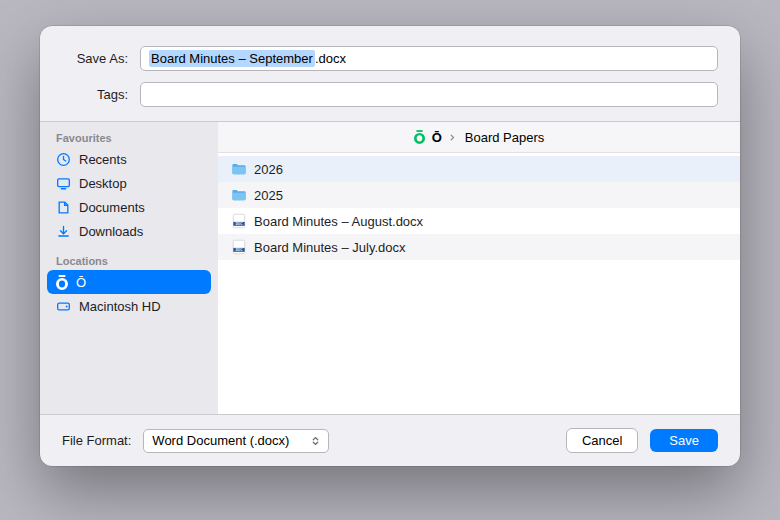
On a Mac — saving a file
On Windows — the folder
On Windows — saving a file
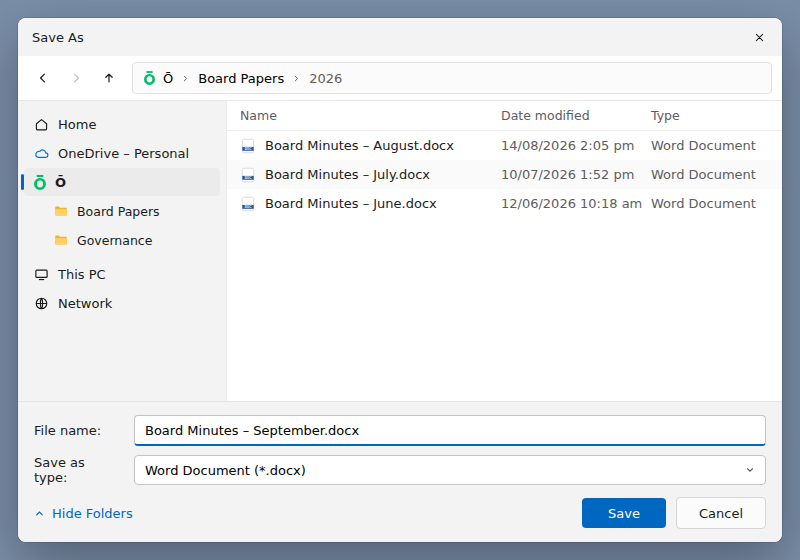
Ō is one of the places you can save to. Nothing new to learn, and nothing you already run changes.
02
And a website, from any device.
The same folders and the same files, reached from a phone, a borrowed laptop or somewhere you would rather not install anything.
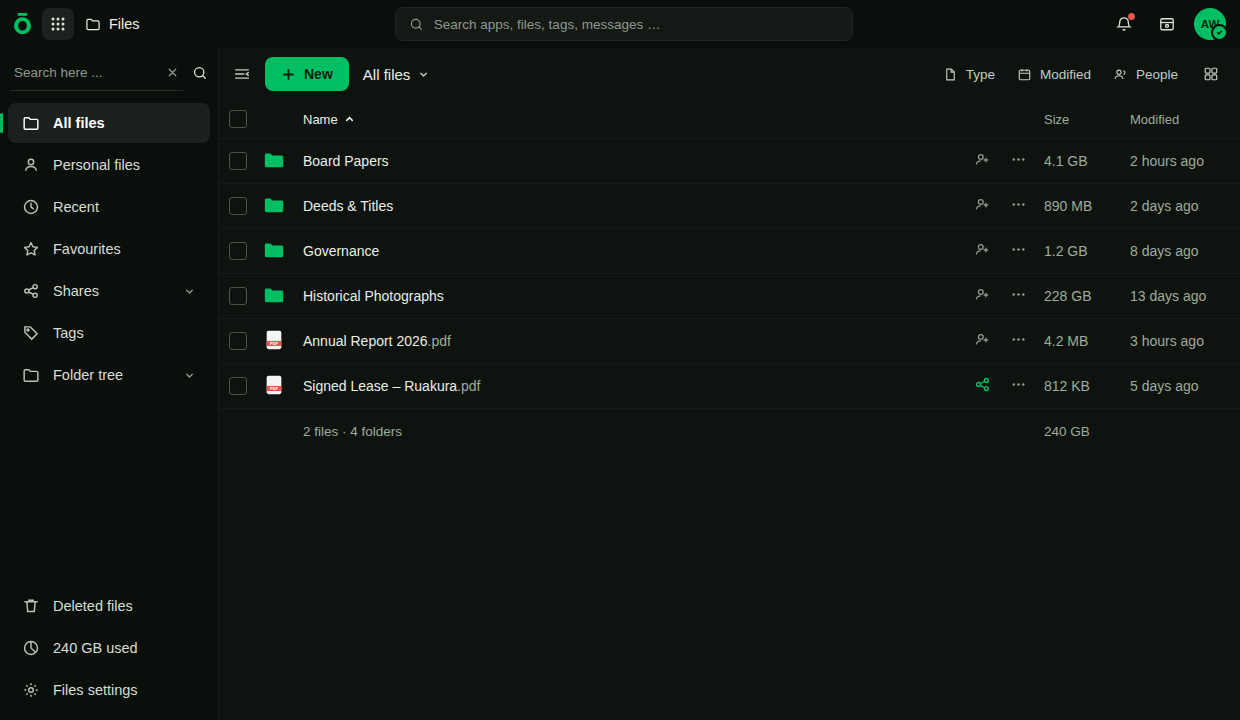
Signing in
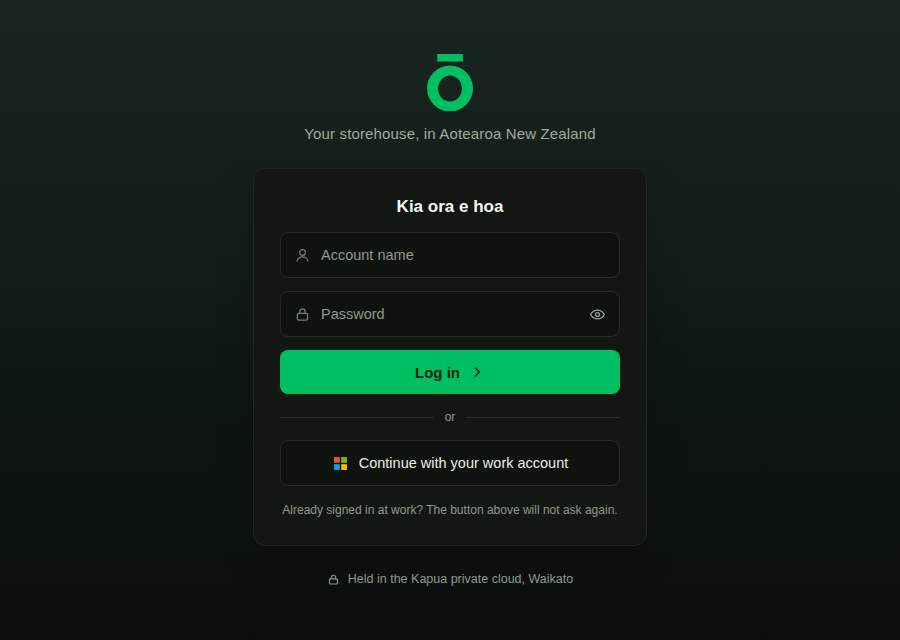
The first thing you see
03
Share a file without sending it.
Send a link to the file where it already sits, rather than putting a copy into someone's inbox forever.
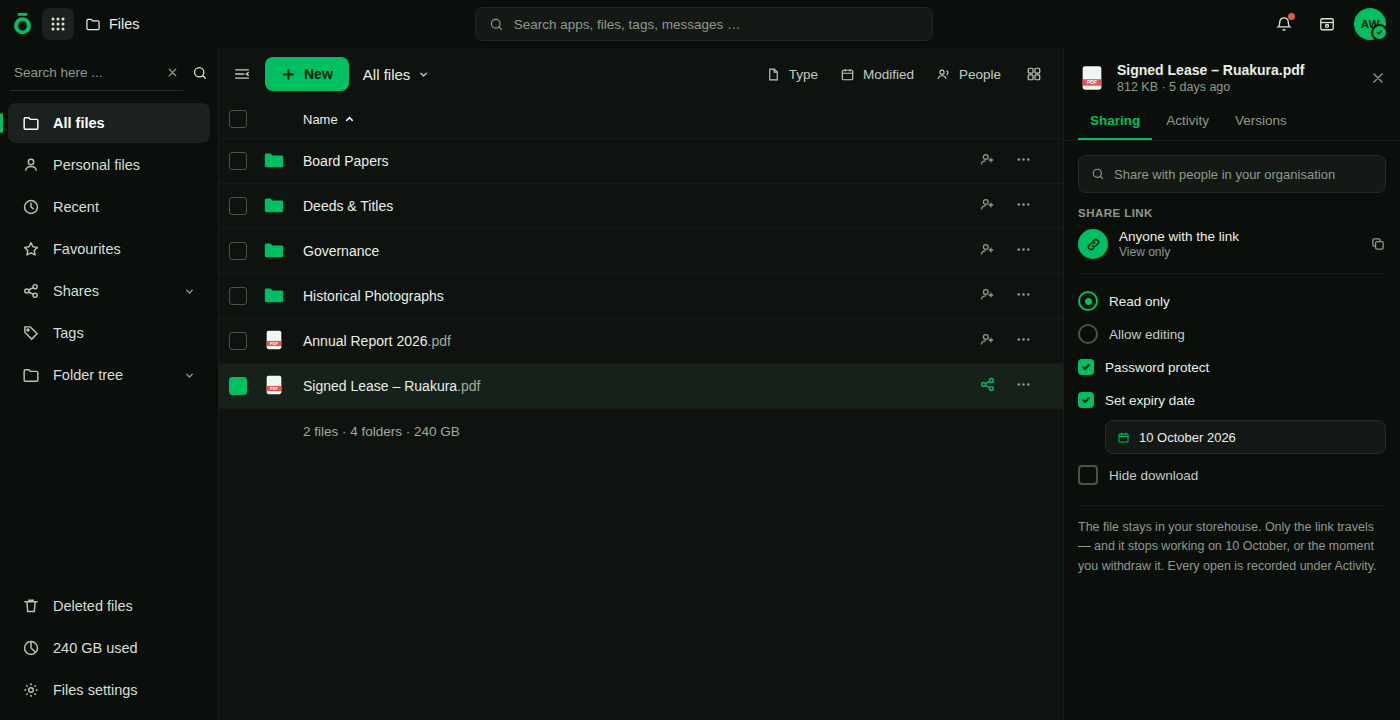
It expires
You set the date when you create it.
It can be withdrawn
At any time, including after it has been opened.
Every open is logged
Who, and when, under Activity.
The file stays here
It is read from Kapua. No copy re-routes offshore to reach someone across the office.